Where can I find client account values?

Complete the sign in process by entering your registered Username and Password.

Upon successful sign in, Client Accounts are available by clicking on Client Accounts located in the top navigation or within Quick Links.

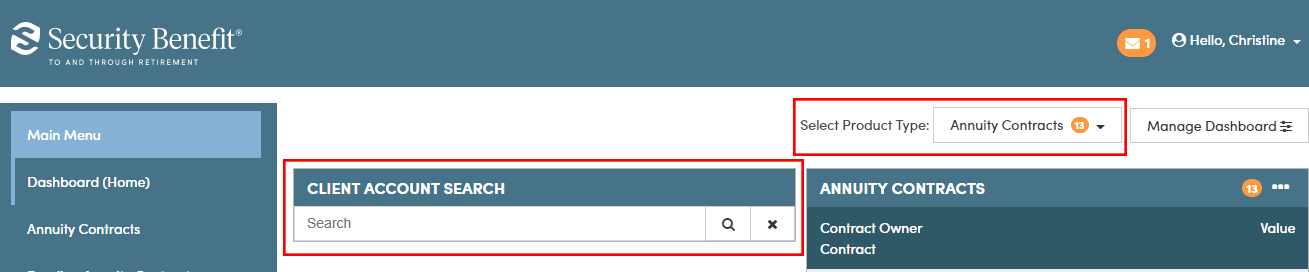
Client Accounts are also viewable by accessing the applicable links of the left navigation. All active accounts are viewable by selecting Annuity Contracts or Mutual Fund Custodial Accounts as determined by Product Type.

Once the Client’s account is located, clicking on the Contract Owner name line will display account specific details including month end account values, Transaction history, Future Allocations and Programs, Current Allocations, People Information, Documents and Online transactions if available.
